
Whatever you're into… There's a category in Ayar
Ten specialized categories covering everything precious metals: from occasion pieces to savings bullion and detection equipment.
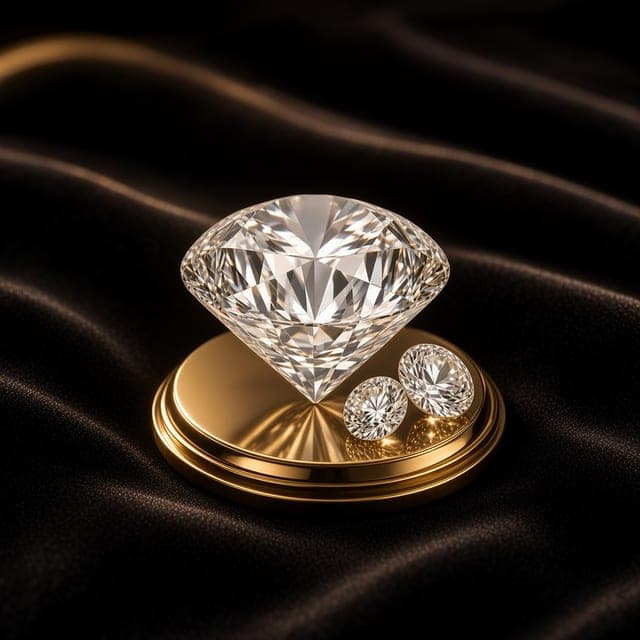
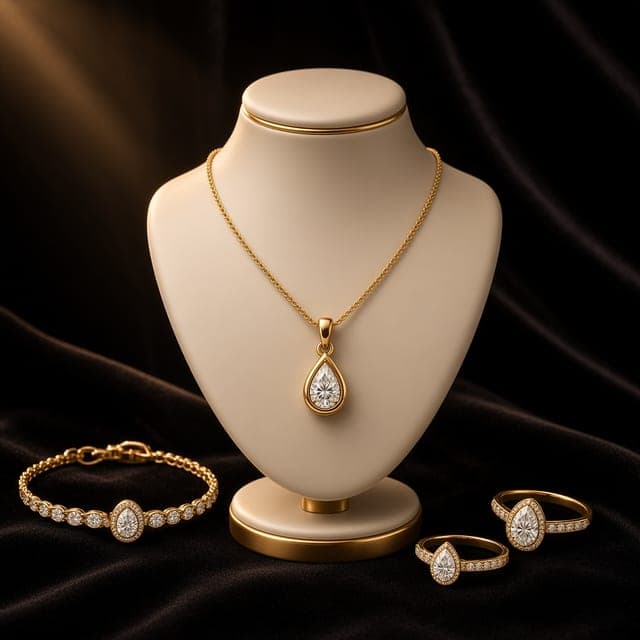
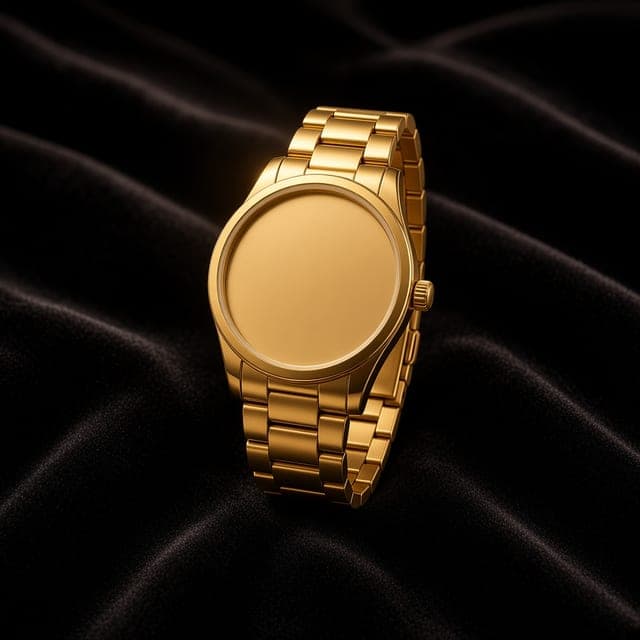
Jewellery & Accessories
Jewellery & Accessories
Browse gold pieces from individuals and verified stores: clear photos, karat and weight stated, and direct chat with the owner.
What can you explore?
- Photos and details of listed pieces
- Karat and weight stated in every ad
- Direct chat with the piece owner
How to explore it in the app
From the app's home screen, choose the "Jewellery & Accessories" category to browse its listings, then open any ad to view its photos and details and contact the seller.
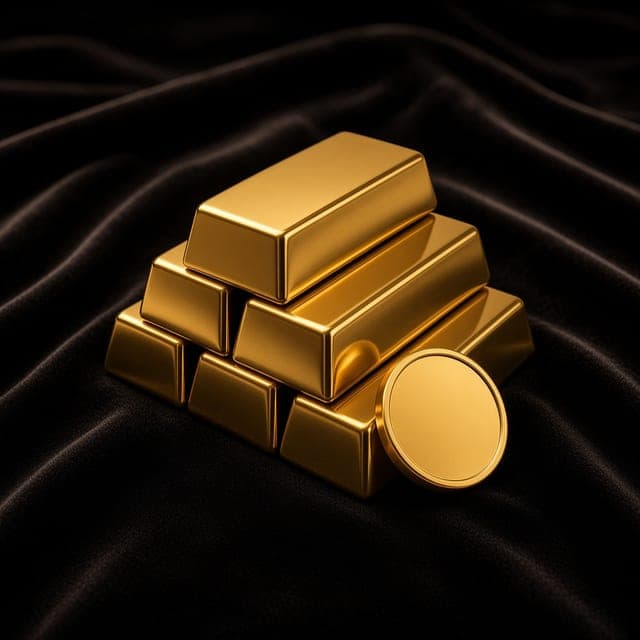
Bullion & Coins
Bullion & Coins
Gold and silver bullion and coin listings with clear specs — compare what's available and pick what suits your savings, with the live market price in view.
What can you explore?
- Bullion and coin listings in one place
- Each listing's stated details and data
- Compare offers against the live market price
How to explore it in the app
From the app's home screen, choose the "Bullion & Coins" category to browse its listings, then open any ad to view its photos and details and contact the seller.
Diamonds & Gemstones
Diamonds & Gemstones
Explore diamond and gemstone pieces listed with photos and precise details, and ask their owners anything before you decide.
What can you explore?
- Photos of listed diamonds and gemstones
- Specs provided by the seller for each piece
- Ask the owner directly
How to explore it in the app
From the app's home screen, choose the "Diamonds & Gemstones" category to browse its listings, then open any ad to view its photos and details and contact the seller.
Luxury Watches
Luxury Watches
Fine timepieces listed with their details and condition by verified sellers — review them carefully and message the owner directly.
What can you explore?
- Details and condition of listed watches
- Information available for each watch
- Contact the seller with your questions
How to explore it in the app
From the app's home screen, choose the "Luxury Watches" category to browse its listings, then open any ad to view its photos and details and contact the seller.
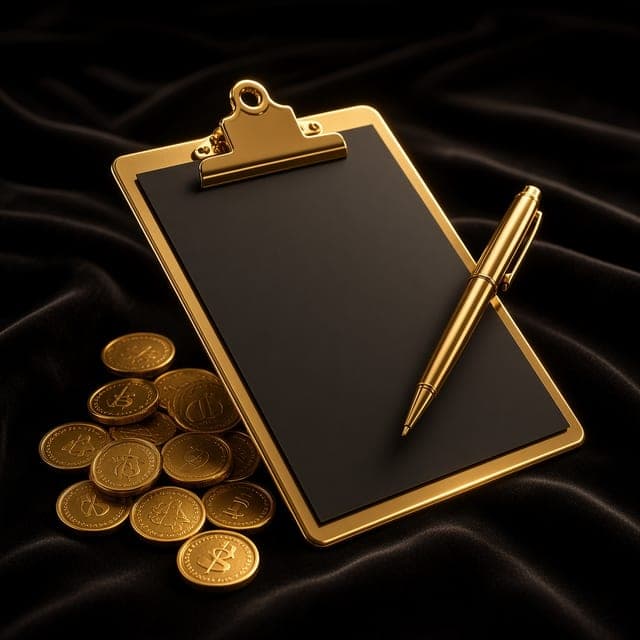
Wanted / Buying Requests
Wanted / Buying Requests
The feature that flips the market around: post what you're looking for — karat, weight and budget — and owners of matching offers will reach out to you.
What can you explore?
- Buying requests posted by users
- Details of what others are looking for
- Contact request owners
How to explore it in the app
From the app's home screen, choose the "Wanted / Buying Requests" category to browse its listings, then open any ad to view its photos and details and contact the seller.
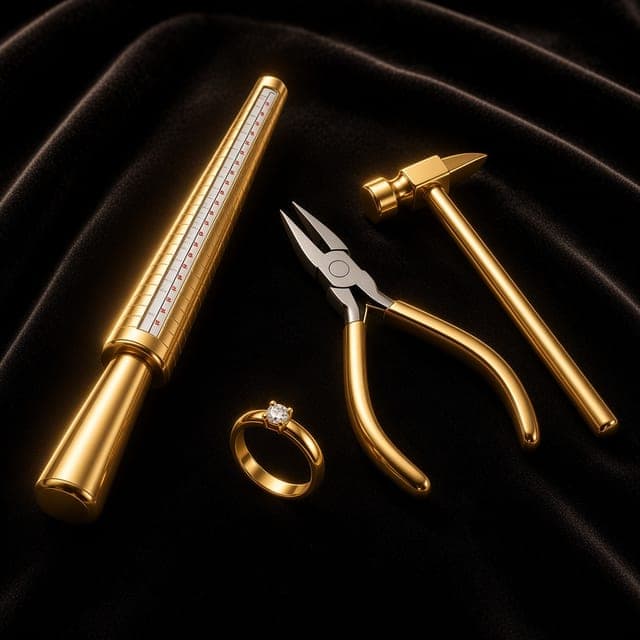
Gold & Jewellery Services
Gold & Jewellery Services
Listings for gold and jewellery services from workshops and goldsmiths: learn what each service covers and contact the provider directly.
What can you explore?
- What each listed service covers
- Service details as described by the provider
- Ways to reach the service provider
How to explore it in the app
From the app's home screen, choose the "Gold & Jewellery Services" category to browse its listings, then open any ad to view its photos and details and contact the seller.
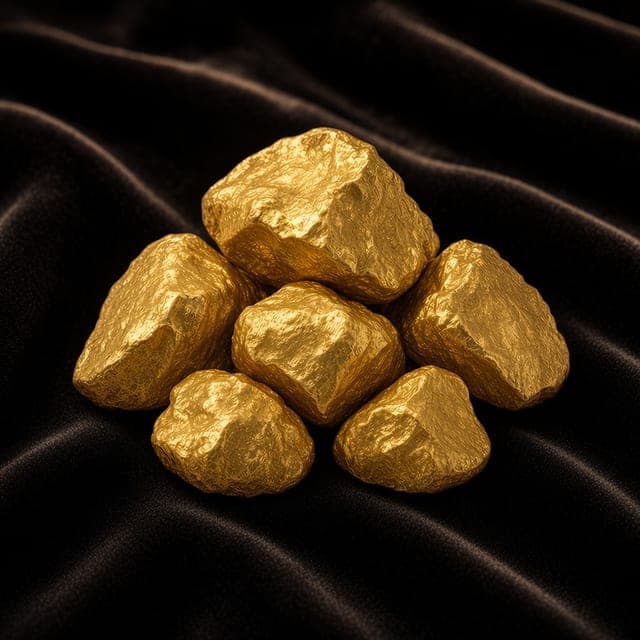
Raw & Recycled Gold
Raw & Recycled Gold
A dedicated space for raw and recycled gold listings, with clear data on every offer before you contact its owner.
What can you explore?
- Raw and recycled gold listings
- Data available for each offer
- Contact the seller after review
How to explore it in the app
From the app's home screen, choose the "Raw & Recycled Gold" category to browse its listings, then open any ad to view its photos and details and contact the seller.
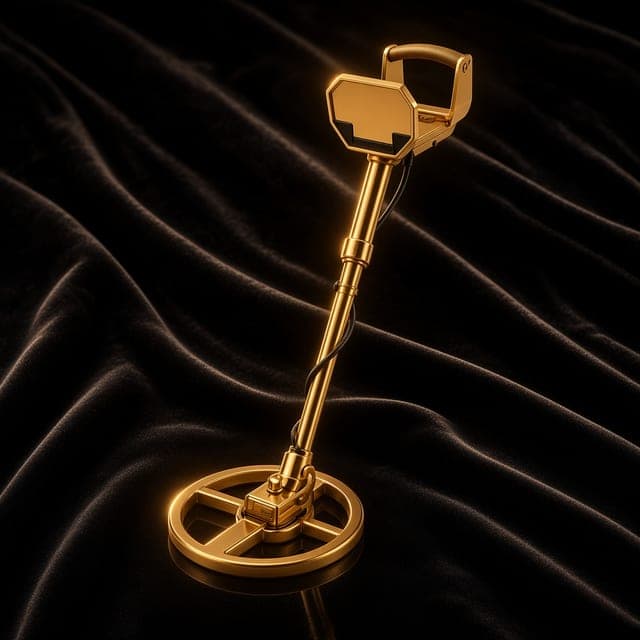
Gold & Metal Detectors
Gold & Metal Detectors
Gold and metal detectors listed with photos, specs and clear condition, from sellers you can contact directly.
What can you explore?
- Listed devices and their photos
- Specs and condition stated in each ad
- Contact the device owner
How to explore it in the app
From the app's home screen, choose the "Gold & Metal Detectors" category to browse its listings, then open any ad to view its photos and details and contact the seller.
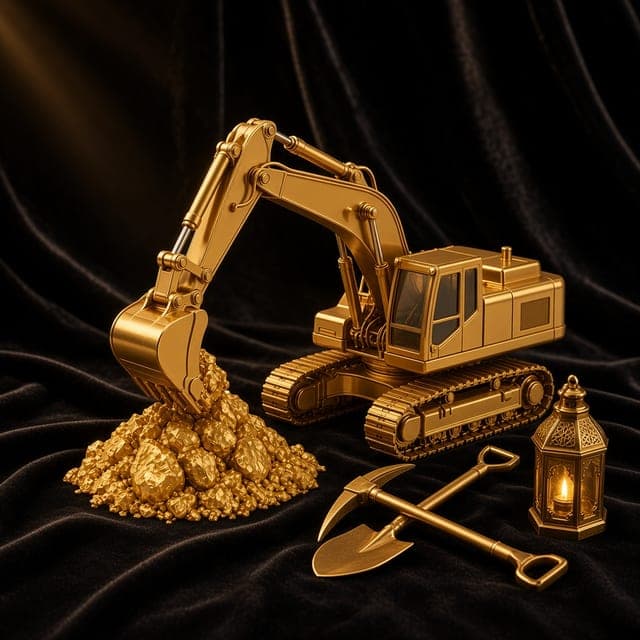
Mining Equipment
Mining Equipment
Mining equipment listed with photos, data and use cases as described by their owners, with direct contact.
What can you explore?
- Photos of listed equipment
- Their data and uses as described by owners
- Contact the listing owners
How to explore it in the app
From the app's home screen, choose the "Mining Equipment" category to browse its listings, then open any ad to view its photos and details and contact the seller.
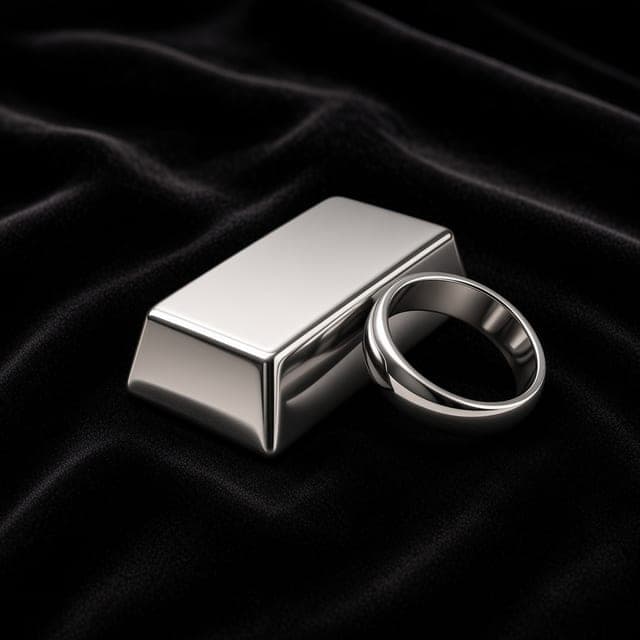
The Silver Market in Ayar
Silver & Silverware
A space for people interested in buying and selling silver. Explore the listings, review photos and specs, then contact the seller to ask questions and agree on details.
Find the right piece for you
- Explore silver listings.
- Review photos, weight, purity and condition when stated.
- Contact the seller for details.
Present your silver clearly
- Add clear photos of the piece.
- State the available specs accurately.
- Clarify the price or how it will be set.
- Receive enquiries through the contact options in the app.
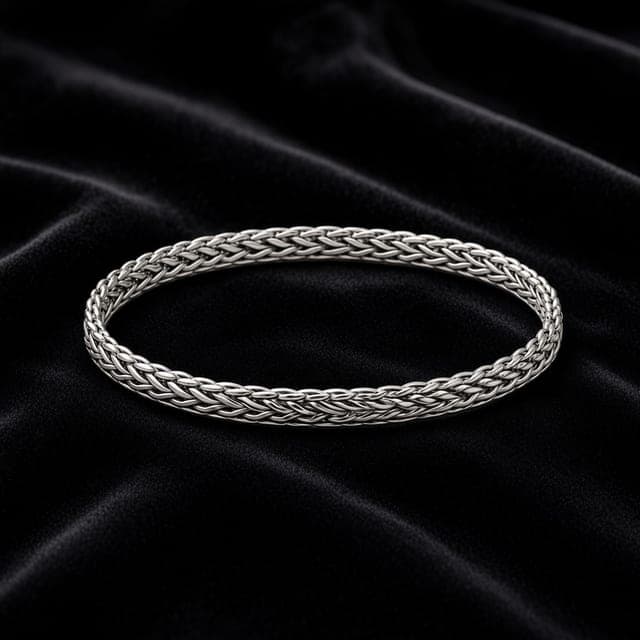 Illustrative example
Handcrafted Silver Bracelet
- Weight
- 25 g
- Purity
- 925
- Condition
- Used, excellent condition
- Location
- Dubai
A sample showing how a listing appears in the app.
Found what matters to you? Continue in Ayar
Download the app free to browse listings and message sellers directly.